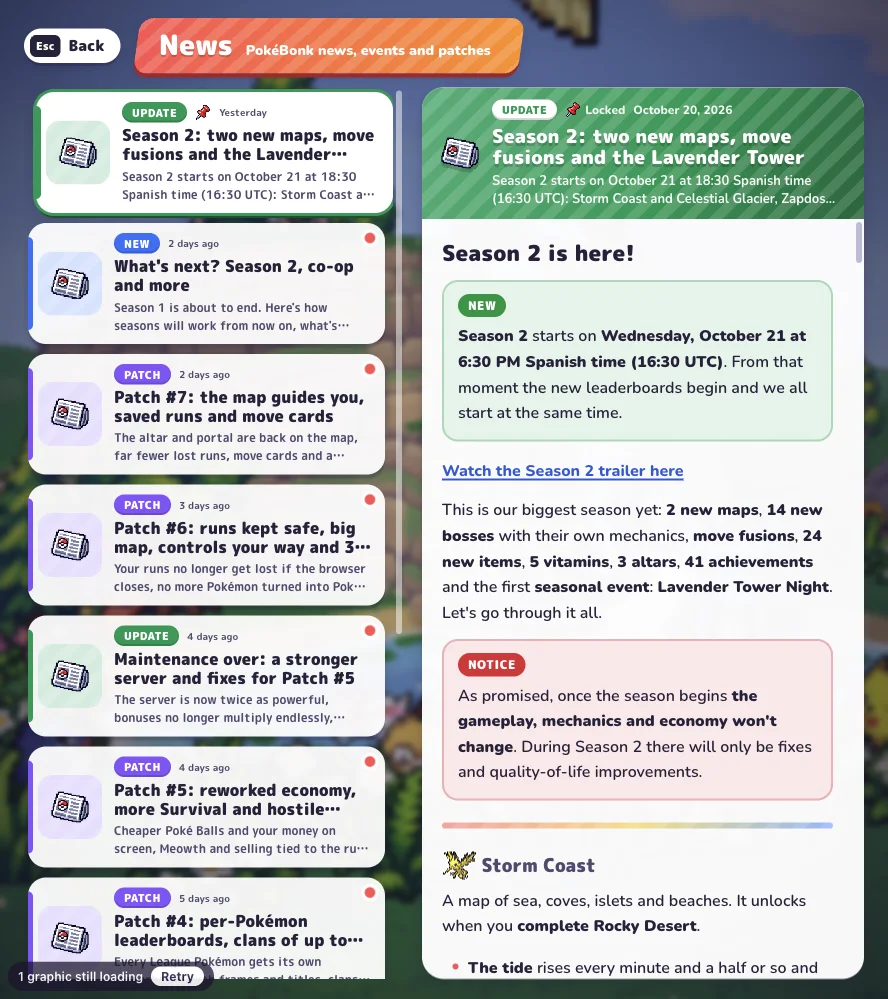
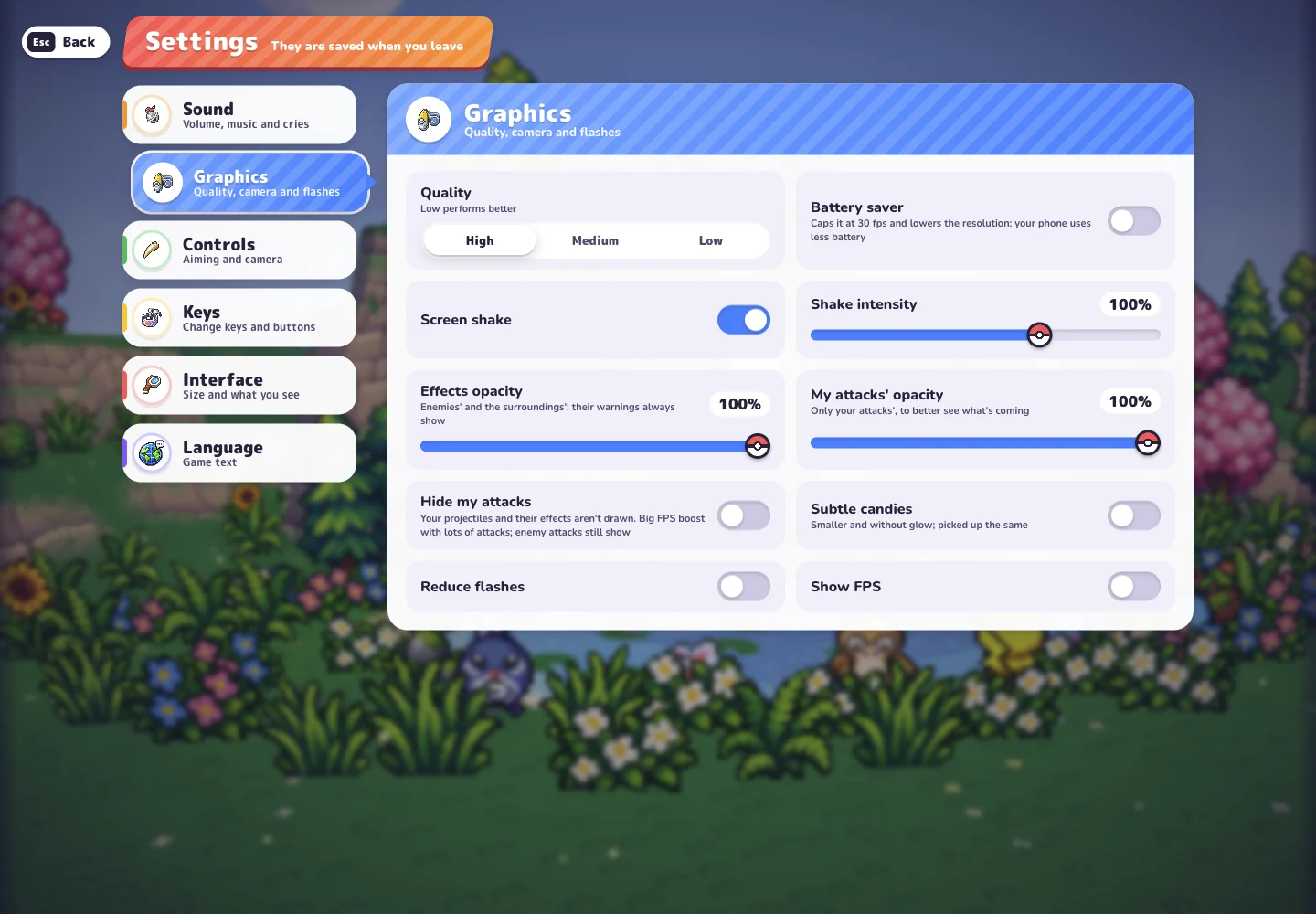
PokeBonk drops you into a 3D field full of wild Pokémon and asks one thing: stay alive while your partner does the fighting. This guide walks you from the first screen to the end of your first run, so you know what every menu is asking before you click it.
There is nothing to install. Press Play PokeBonk and the game opens right here in your browser, on a computer or a phone.
Step 1: Guest or account?
The first screen is the “Welcome, Trainer!” panel. You have two ways in:
- Guest – press Play as a guest! and you are playing within seconds. No sign-up, no email.
- Account – create a name and password if you want your progress tied to a login instead of one browser.
For a first look, guest is the right call. Just know how guest progress works:
- It lives in the browser and device you played on. A different browser, a private window or clearing site data starts you over.
- Guest profiles that sit unused for 60 days are deleted (a rule added in v0.7.9).
- When you decide you like the game, use Save to account from your guest session to keep everything you have earned. Do it before you switch devices, not after.
Step 2: Pick your first partner
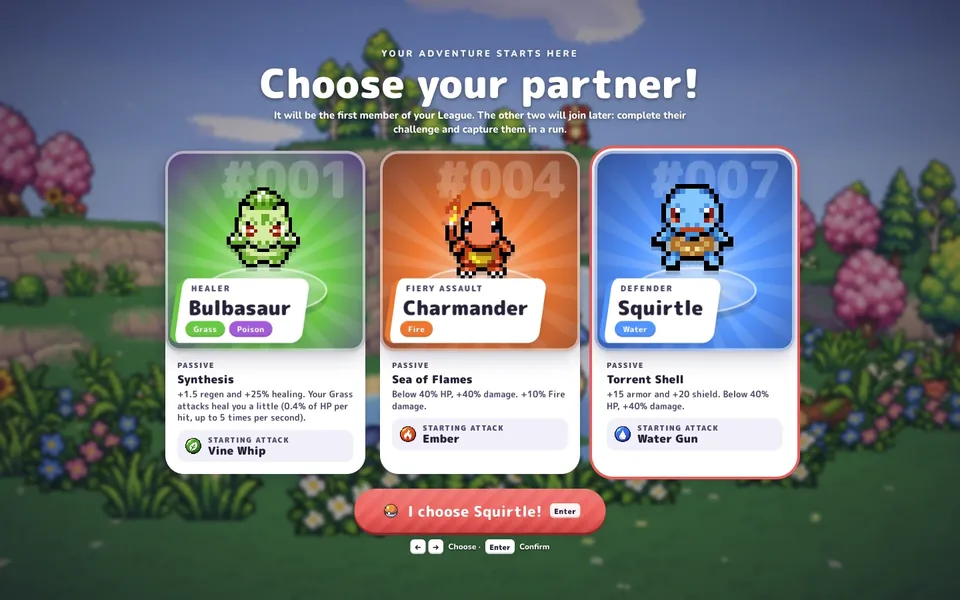
Next comes Choose your partner! with three cards: Bulbasaur, Charmander and Squirtle. Whoever you pick becomes the first member of your League, the roster of Pokémon you can take into runs.
| Partner | Role | Starting attack | In one line |
|---|---|---|---|
| Bulbasaur | Healer | Vine Whip | Heals itself as it fights, very forgiving |
| Charmander | Fiery Assault | Ember | Strong Fire damage, hits harder at low HP |
| Squirtle | Defender | Water Gun | Extra armor and a shield, hard to knock out |
You are not locked out of the other two. They can join your League later, once you complete their challenge and catch them during a run. If you can’t decide, Bulbasaur is the safest pick for learning. The starter Pokémon guide compares all three in detail.
Step 3: Set up the run
From the main menu, press Play. This opens The League, where you select a partner, check its passive and moves, and confirm with I choose you! (or Enter).
Then the Choose region panel asks for three things:
- Region – start in Viridian Forest. Later regions open as you finish earlier ones.
- Mode – Classic or Survival (see below).
- Difficulty – leave it on Normal for your first few runs.
Press Start! and you are in.
Classic or Survival?
- Classic has a structure. You move through zones (the first run shows Zone 1/3 and a countdown), defeat the guardians, and head for a shrine at the end. A run can be won.
- Survival has no finish line. The horde keeps coming, the timer counts up, and guardians show up as milestones. The goal is simply to last longer than last time.
Classic teaches you the map and the bosses. Survival teaches you crowd control. Most players start with Classic.
Controls
Your partner attacks automatically, so the controls are all about movement and timing.
Keyboard and mouse
| Key | Action |
|---|---|
| W A S D or arrow keys | Move |
| Mouse | Turn the camera |
| Space | Jump |
| Shift | Slide |
| R | Fire your Ultimate |
| E | Interact with whatever is nearby |
| P or Esc | Pause |
| M | Big map |
| T | Auto-run |
| Right click | Lock onto a target |
| Q | Switch automatic / manual aim |
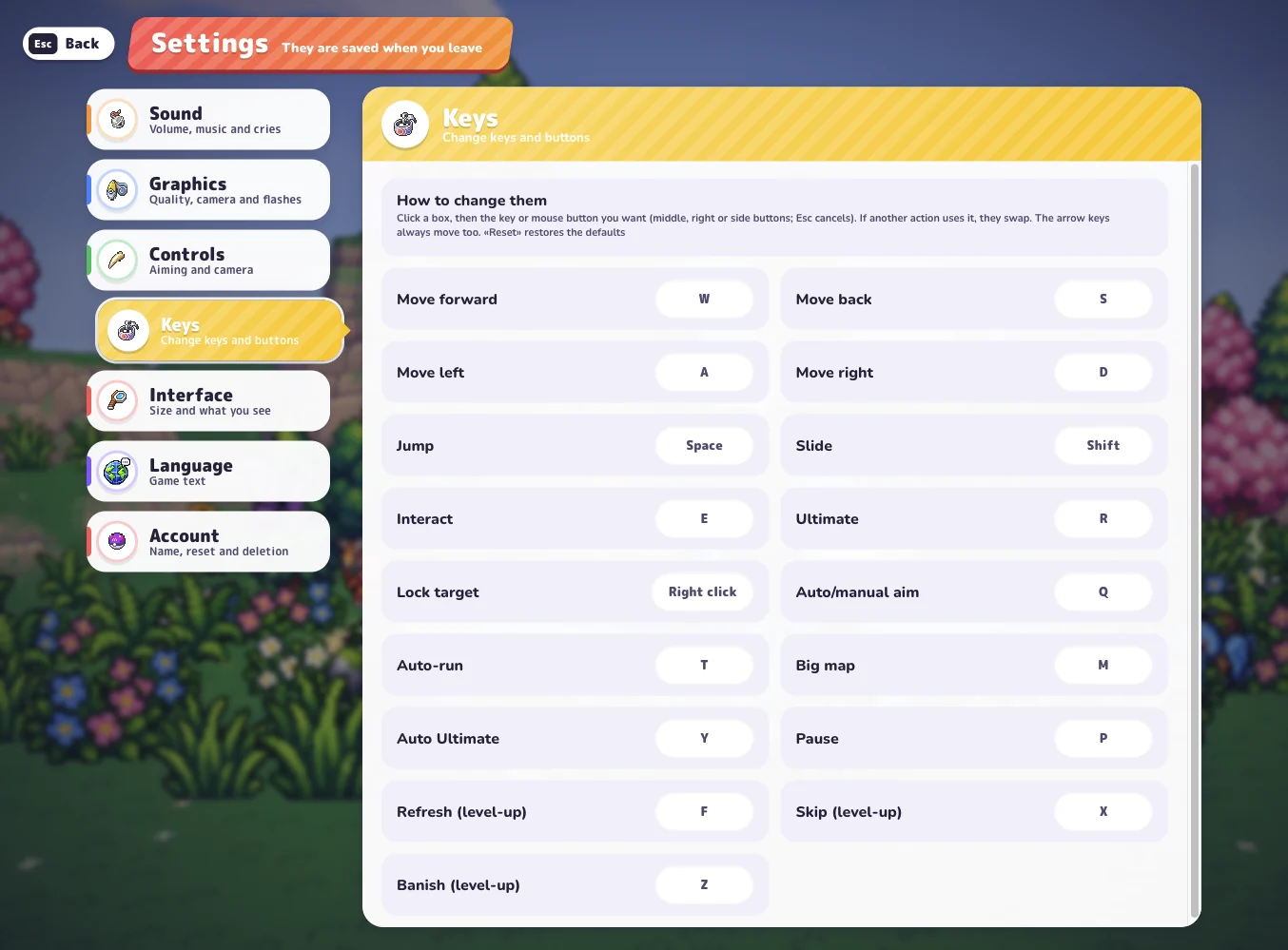
During a level-up you also get three shortcuts: F to reroll the cards, X to skip and Z to banish an upgrade. Every key can be changed in Settings → Keys, and the arrow keys always move even if you remap WASD.
In Settings → Controls you choose the aiming style. Automatic aims at the closest enemy, which is what most new players want. Manual aims where the camera points.
Phones and tablets
On mobile the game switches to on-screen touch controls, with a joystick for movement. Two things to know on our site:
- The game only plays in landscape. If you hold your phone upright you will see “Rotate your device”.
- On Android the game window goes full screen by itself. On iPhone, just rotate the phone sideways.
A controller also works on desktop if you prefer a gamepad.
Your first minutes in a run
The run starts with your partner out in the field and one attack ready. A few things to watch:
- Keep moving. Your attack fires on its own. Stopping in place is how runs end. Circle around groups instead of walking into them.
- Grab experience. Defeated Pokémon drop experience. Walk over it to fill your EXP bar.
- Watch the prompts. When an E label appears, there is something you can interact with nearby.
- Save the Ultimate. It charges while you fight. Press R when you are boxed in or a guardian appears, not on the first small group.
Your first level-up
When the EXP bar fills, the action stops and you get three cards to choose from. Each one is one of these:
- A new move – another attack added to your move bar.
- A move upgrade – a stronger version of an attack you already have.
- A vitamin – a stat boost such as defense or speed.
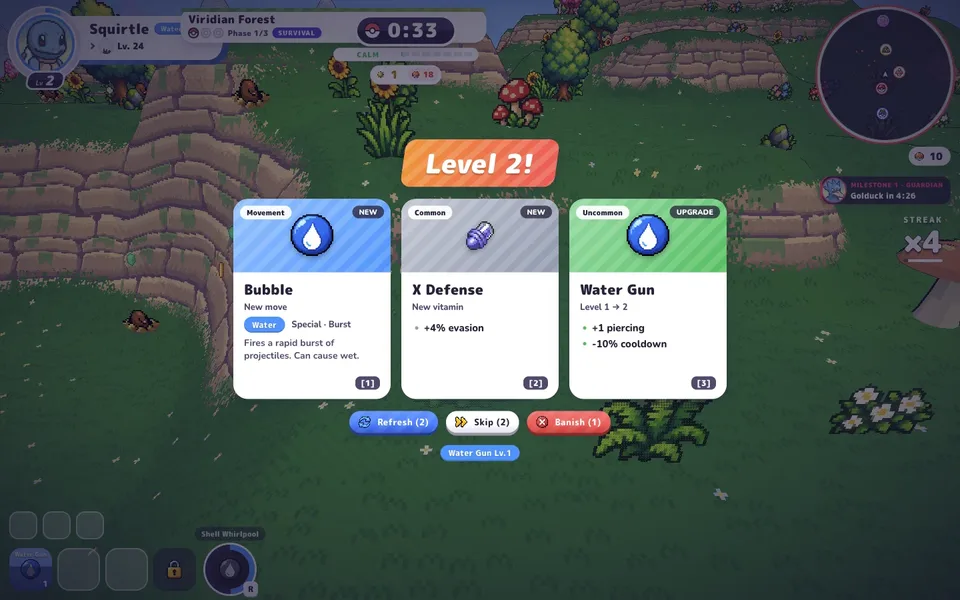
For the first couple of level-ups, a second attack usually helps more than a small stat boost, because two moves clear crowds much faster than one. Read the card text before you click: the cards change every time. Want to plan ahead? Press Esc at any moment to see your HP, EXP, moves, items and stats in one place. The move learning guide explains which moves each partner can get.
The end of your first run
A run ends when your partner faints, or in Classic when you clear the final shrine. Either way you land on a results screen and earn Stardust.
Stardust is what carries over. Spend it in the Lab between runs on permanent upgrades like more damage, more HP and faster movement. That is why even a short, messy first run is worth finishing: every run makes the next one a little stronger. See Lab upgrades for what to buy first.
Quick checklist
- Play as a guest, then save to an account once you are hooked.
- Start with Bulbasaur, Viridian Forest, Classic, Normal.
- Move constantly and let your partner attack.
- Take a second attack at your early level-ups.
- Spend your Stardust in the Lab and go again.
If the game won’t load or the keys stop responding, the troubleshooting guide has quick fixes.
Quick answers
Do I need an account to start PokeBonk?
No. Press Play as a guest and you go straight to picking your partner. You can save your guest progress to an account later.
Which mode should I pick for my first run?
Classic is the easier start: a run has three zones and a clear finish. Survival is endless and is better once you know how to move through a crowd.
How do I attack in PokeBonk?
You don't press an attack button. Your partner fires its moves on its own, so your job is to move, dodge and pick up experience.
What are the controls on mobile?
On phones the game uses on-screen touch controls and plays in landscape. Turn your phone sideways after you press Play.